Turn on suggestions
Auto-suggest helps you quickly narrow down your search results by suggesting possible matches as you type.
Showing results for
SALE EXTENDED 70% OFF QuickBooks for 3 months* Ends 12/8
Buy nowGlad you came here for support, bweiss.
QuickBooks gives the prompt to ensure transactions under the main customer name or sub customer name will not be automatically deleted.
In this case, you'll want to delete and recreate the invoices under the sub customer that you want to move. Make sure to get a copy of the invoice information before deleting it so you will have a reference.
I know that you are familiar with moving the sub customer but still allow me to share the steps with you:
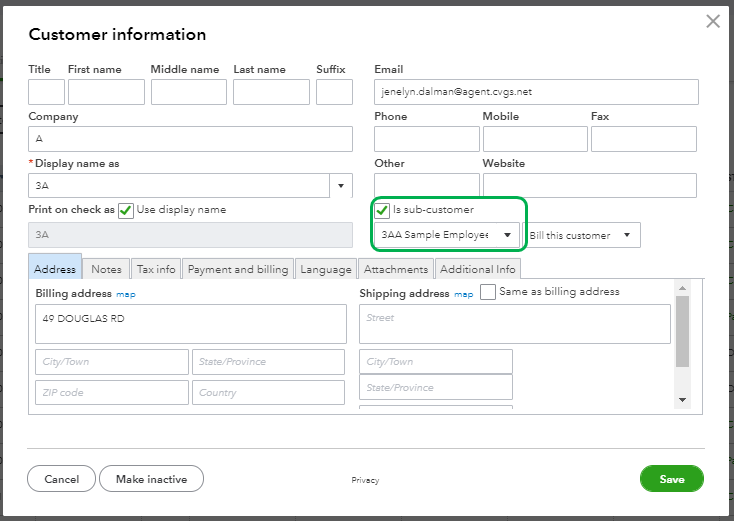
You can also run the Customer Contact List report to review your customer information.
Here's how:
If you want to review the invoices you made, run the Invoice List. Pull this up by going to the Reports menu at the left pane then type Invoice List on the search bar.

