Turn on suggestions
Auto-suggest helps you quickly narrow down your search results by suggesting possible matches as you type.
Showing results for
Get 50% OFF QuickBooks for 3 months*
Buy nowHi there, AND2021.
Welcome back to the QuickBooks Community. I'll share steps to ensure you'll see a report that shows what you need. I suggest running the Vendor Balance Detail report and customize it. This way, you're able to edit or make any changes to the report to show the bill that will be paid and a calculated discount.
Here's how:
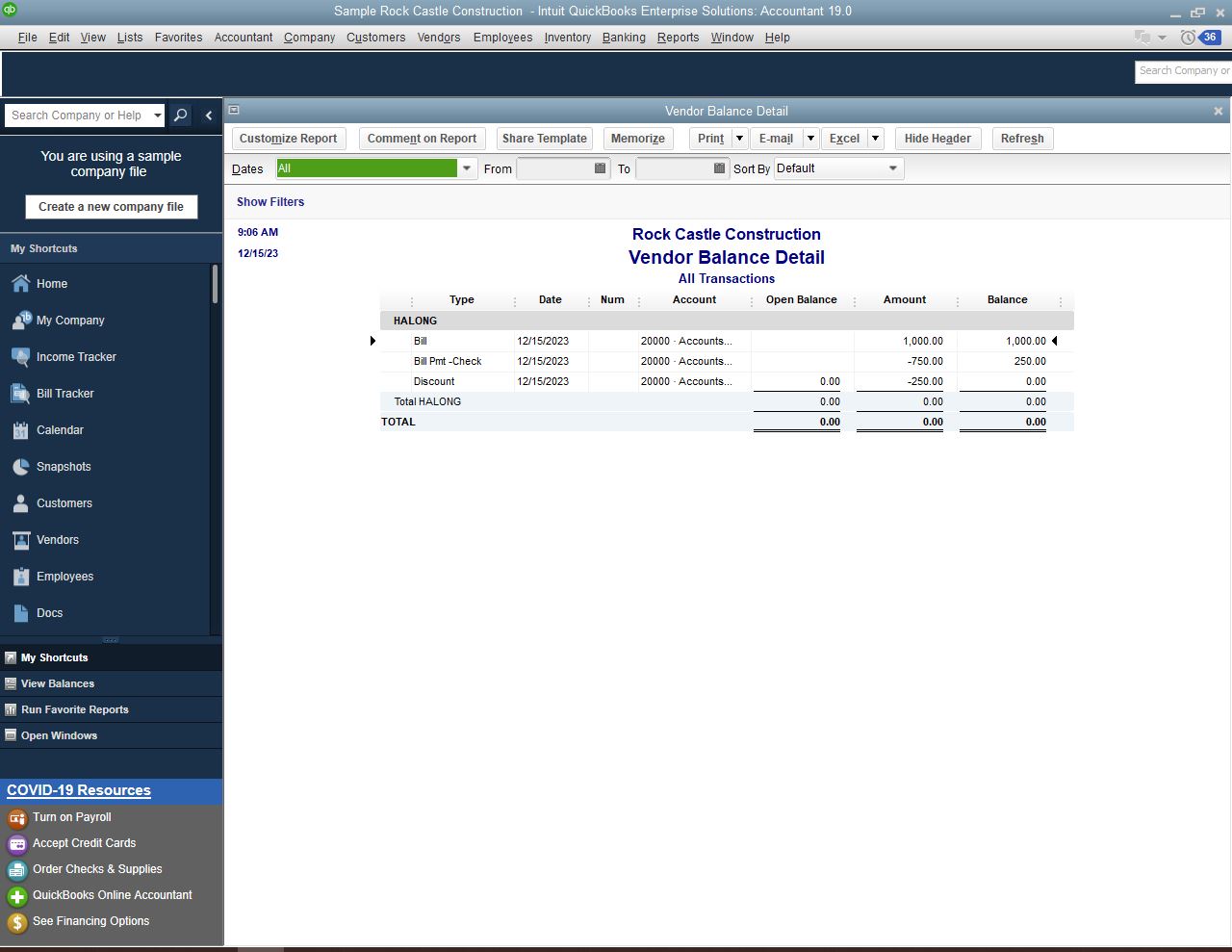
For additional information on how you can customize the data, add or delete columns, add or remove information on the header/footer, and even personalize the font and style of the report, you can click this article: Customize reports in QuickBooks Desktop.
Please refer to this article to see steps on how you can create a journal entry or use discounts to write off vendor balances: Write off customer and vendor balances.
We’ll be here whenever you need help. Just visit us here, and I’ll make sure it will be taken care of. Keep safe.

