Turn on suggestions
Auto-suggest helps you quickly narrow down your search results by suggesting possible matches as you type.
Showing results for
CYBER MONDAY SALE 70% OFF QuickBooks for 3 months* Ends 12/5
Buy nowThank you for reaching out, @RSS1720. It seem like you're interested in learning more about CAMPS, so let me explain. CAMPS stands for Customer Account Maintenance Portal Services, and it’s essentially the central dashboard where you can manage everything related to your Intuit account and QuickBooks Desktop (QBDT) products.
Through CAMPS, you can view subscription information, update billing details, download product licenses, and handle account renewal processes seamlessly.
For example, if you need your license or product number because you are reinstalling QuickBooks on a new computer, this platform can help you retrieve the necessary information. To access CAMPS, here's how:
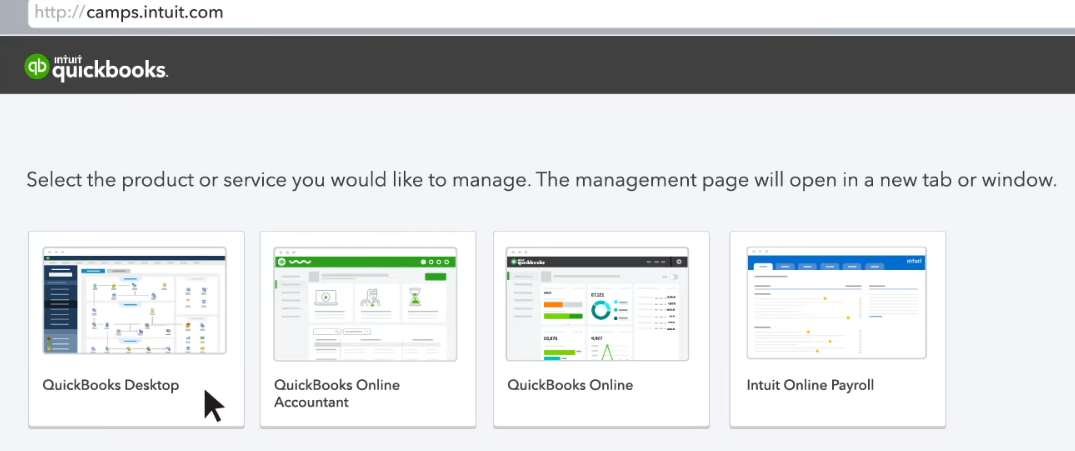
I hope this clears things up for you. If you have more specific questions about what you’re looking for or about CAMPS, feel free to let me know by commenting below. I’m happy to guide you through it. Take care.

