Turn on suggestions
Auto-suggest helps you quickly narrow down your search results by suggesting possible matches as you type.
Showing results for
CYBER MONDAY SALE 70% OFF QuickBooks for 3 months* Ends 12/5
Buy nowI understand that the old layout's familiarity is important to you, Mandi. These changes are designed to help customers like you complete tasks and jobs faster. However, if you're not yet ready for the new QuickBooks Online experience, we can switch back to the old version. I'll provide the steps below.
To opt out, here's how:
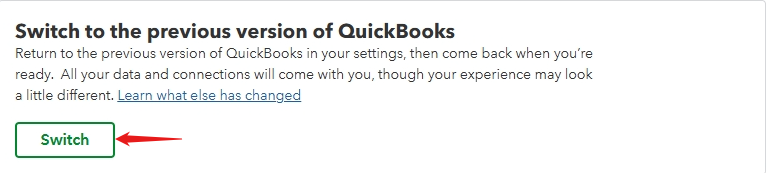
Your will see a survey about your decision to leave the New QuickBooks Online experience.
If you decide to opt back in after opting out, you will automatically see the option you initially selected.
To opt in, here's how:

You can also review the information and then select Try it Out. If you decide not to opt in after reviewing the information, you can select Not Right Now.
To maximize the benefits of your financial reports, you can refer to this article: Customize reports in QuickBooks online.
If you have further questions about features and updates in QuickBooks Online, feel free to click the reply button. I'm always here to help.

