Turn on suggestions
Auto-suggest helps you quickly narrow down your search results by suggesting possible matches as you type.
Showing results for
Get 50% OFF QuickBooks for 3 months*
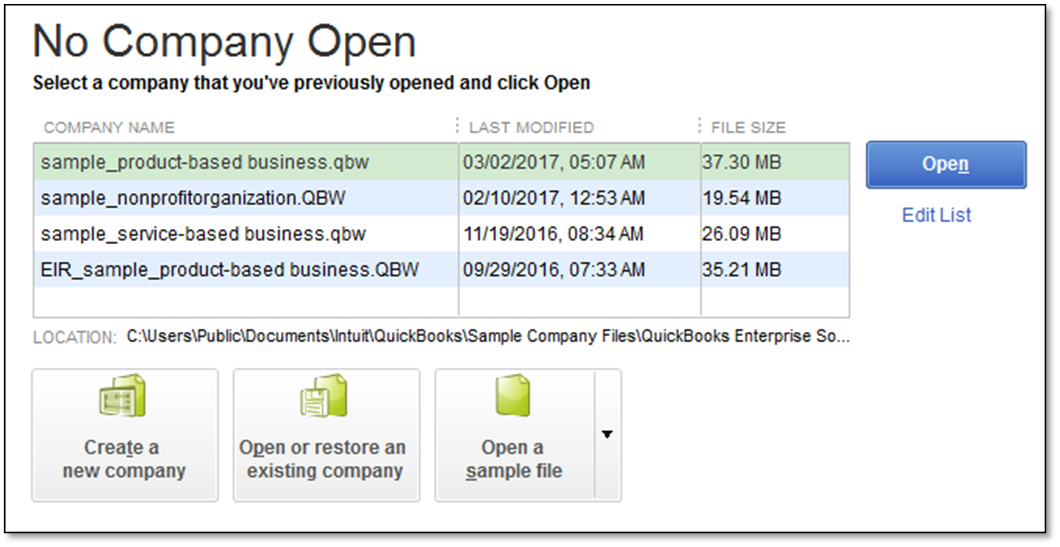
Buy nowThank you for joining the Quickbooks Community, DC72. That was a smart idea to open the sample company file to see if you receive the error message. Since you have already updated your Premier Plus to the latest release, let's do a couple of troubleshooting steps for unrecoverable errors. The first thing I would like for you to do is to suppress your Quickbooks Desktop while starting the application. Here's how:
Another solution would be the run the Quickbooks Tool hub.
Once you have completed this either one of these steps, open up your program and see if you can get on. I am attaching this article, which goes into more detail about how to fix unrecoverable errors in QuickBooks Desktop.
Since there is a problem connecting with our Support team, I would recommend reaching out to our Premier Chat team outside of Quickbooks. Simply click this link and provide some information to communicate with us.
Let me know how this goes by leaving a comment below. I'm always glad to help if there's anything else you need. Take care and be safe.

