Turn on suggestions
Auto-suggest helps you quickly narrow down your search results by suggesting possible matches as you type.
Showing results for
Get 50% OFF QuickBooks for 3 months*
Buy nowThanks for becoming part of the Community, greg-yochim.
Since you're receiving a message informing that your currency and exchange rate are required for a transaction in a foreign currency, I'd recommend making sure the template you're working with is formatted properly and includes all of its required data.
When a template's open in Excel, you can edit it and add data to it. You mention that yours is missing a column for exchange rate. Since the message you're encountering advises you'll need a rate specified, you can add a new column to your spreadsheet.
Here's a video showing how it's done:
If you need additional assistance customizing a spreadsheet, I'd recommend getting in touch with our Customer Care team. They'll be able to pull up the account in a secure environment and conduct further research with you.
They can be reached while you're signed in.
Here's how:


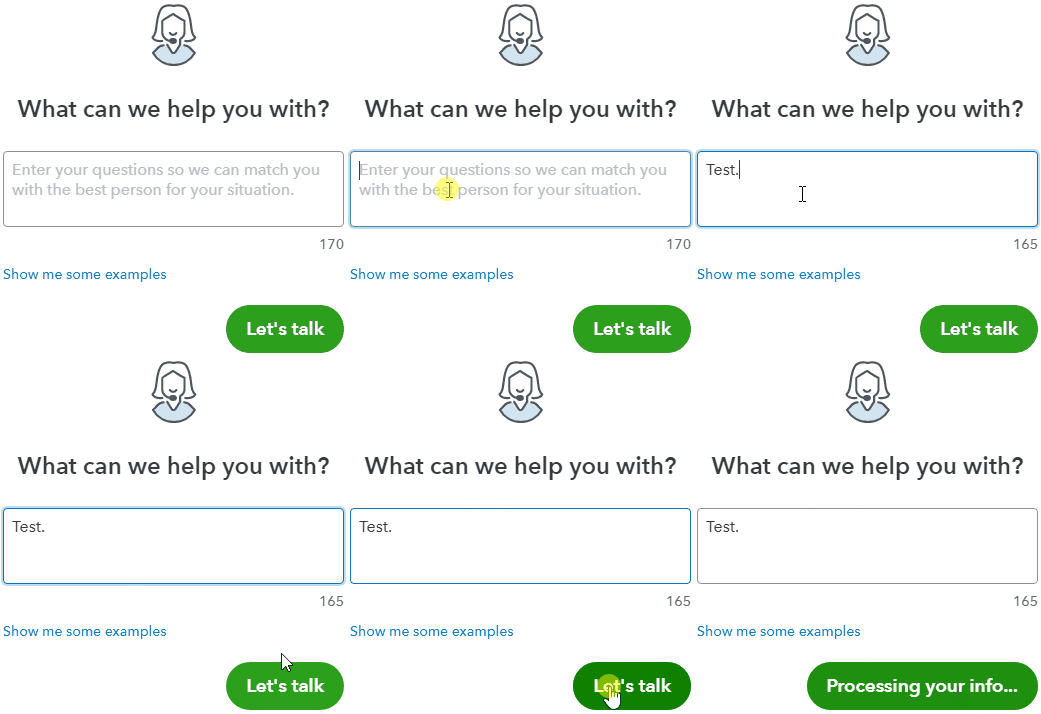
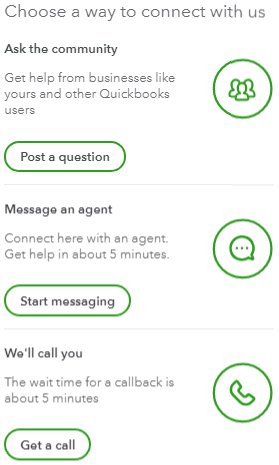
Be sure to review their support hours so you'll know when agents are available.
I've also included a few detailed resources about working with Spreadsheet Sync and exchange rates which may come in handy moving forward:
I'll be here to help if there's any additional questions. Have a great Thursday!

