Turn on suggestions
Auto-suggest helps you quickly narrow down your search results by suggesting possible matches as you type.
Showing results for
CYBER MONDAY SALE 70% OFF QuickBooks for 3 months* Ends 12/5
Buy nowThanks for following up with the Community, BrittanySwider.
The first set of steps in MirriamM's post are for QuickBooks Online (QBO). After completing that process, your QuickBooks Payments (GoPayment) account will be connected to QBO.
I've included an image showing where you'll be able to find the Gear (⚙️) icon:

Depending on your type of account, you might not be able to link it from QBO. If this occurs, you'll need to get in touch with our Customer Care team. They'll be able to pull up your account in a secure environment, conduct further research, and assist you with linking it to your books.
They can be reached while you're signed in.
Here's how:


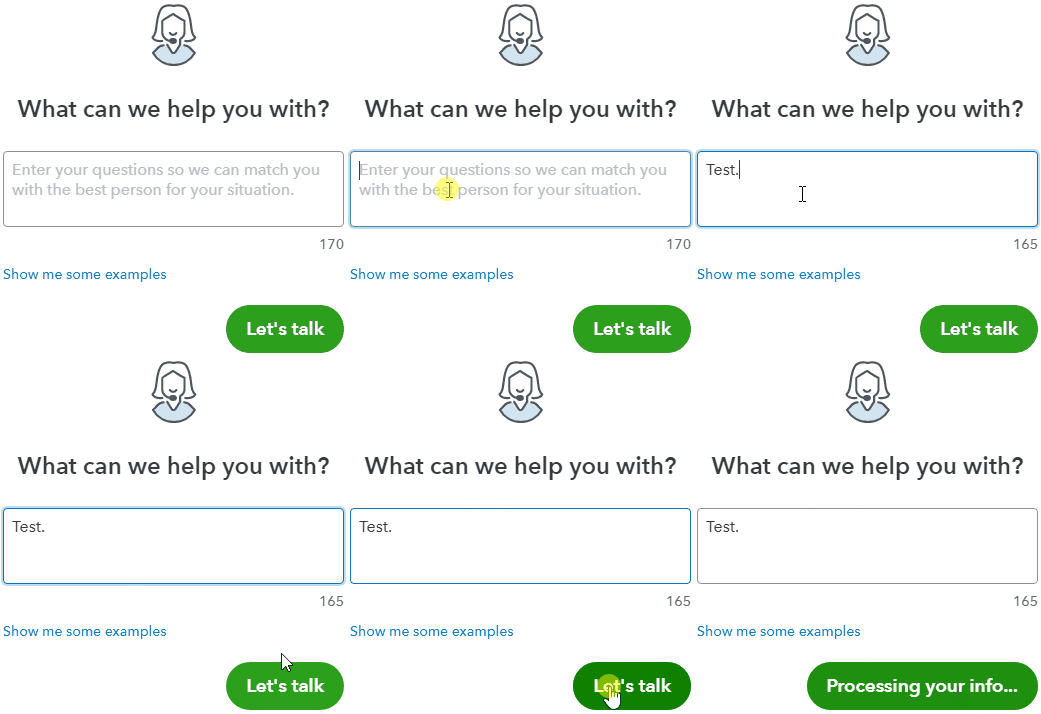
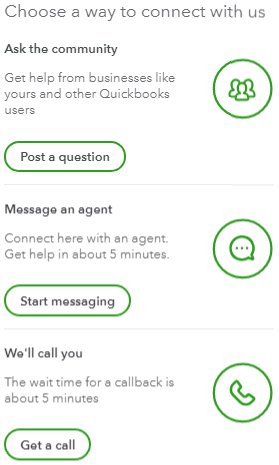
Be sure to review their support hours so you'll know when agents are available.
In the event you see a subsection titled Merchant details when trying to link your GoPayment account to QBO, this means they're already successfully linked. Our Customer Care team can also help with linking to a different account if one's already connected.
As for exporting transactions from GoPayment, once you tap your Hamburger (☰) icon and go to Transactions, you'll have to select a transaction to see its Export icon. Once you choose to export a record, it can be imported into QBO.
If there's any other questions, I'm just a post away. Have a lovely Wednesday!

