Turn on suggestions
Auto-suggest helps you quickly narrow down your search results by suggesting possible matches as you type.
Showing results for
SALE EXTENDED 70% OFF QuickBooks for 3 months* Ends 12/8
Buy nowThank you for reaching out to the community, Steve.
Let’s explore why the added client is not appearing under the Bookkeeping tab.
In QuickBooks Online Accountant (QBOA), when you add a client, you have two options: adding them with a subscription or without a subscription. If you added a client with a subscription, they should appear under the Bookkeeping tab. However, if you chose the option that does not require a subscription, this is why the client is not visible under the Bookkeeping tab, as that option is intended for tracking purposes only.
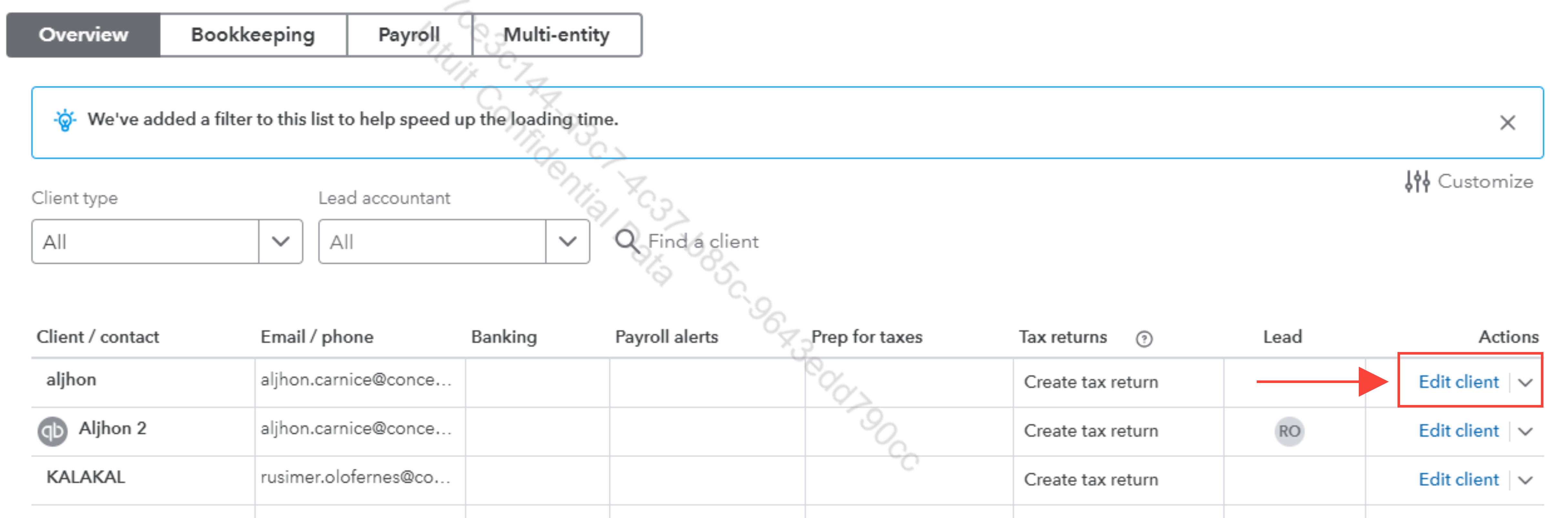
As a workaround, you can edit the client to select the subscription option for them to display under the Bookkeeping tab in your QBOA account.
Here’s how to do it:

If you have any further questions, please feel free to reach out. We are happy to assist you.

