Turn on suggestions
Auto-suggest helps you quickly narrow down your search results by suggesting possible matches as you type.
Showing results for
Get 50% OFF QuickBooks for 3 months*
Buy nowThanks for joining this thread, SBOinLA, landofoz, and RH619.
If you've already performed our recommended troubleshooting, but are still not finding your Reminders menu for recurring transactions on the Dashboard screen, I'd recommend getting in touch with our Customer Care team. They'll be able to pull up your account in a secure environment, conduct further research, and create an investigation ticket if necessary.
They can be reached while you're signed in.
Here's how:


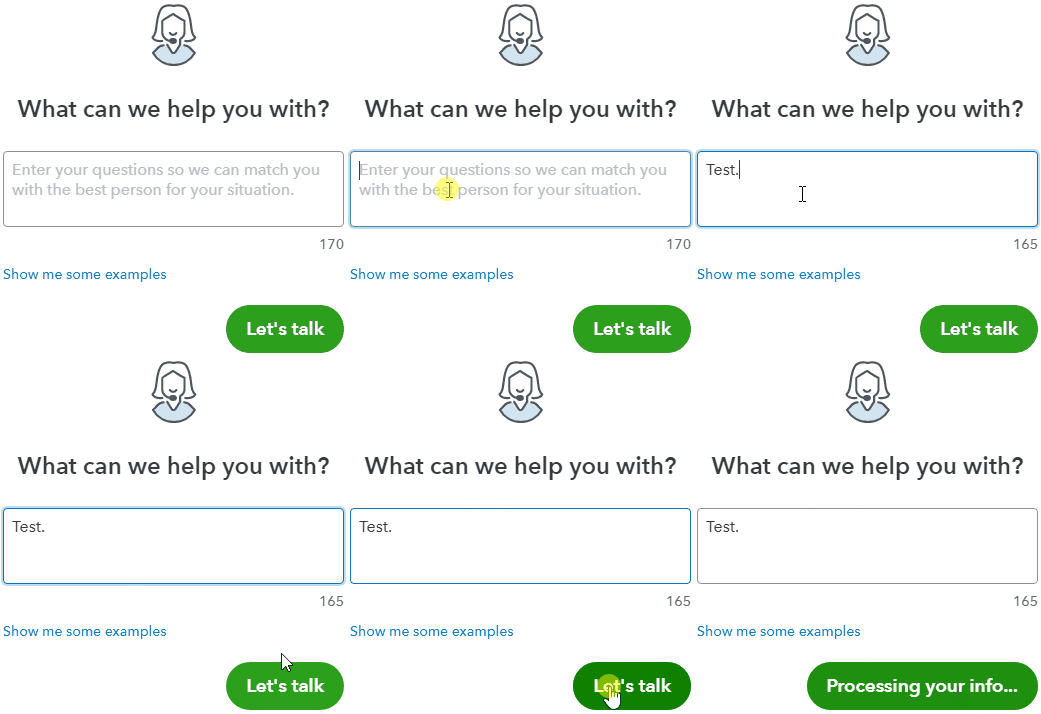
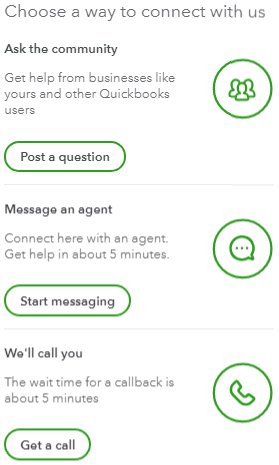
Be sure to review their support hours so you'll know when agents are available.
If there's any questions, I'm just a post away. Have a lovely day!

