Turn on suggestions
Auto-suggest helps you quickly narrow down your search results by suggesting possible matches as you type.
Showing results for
CYBER MONDAY SALE 70% OFF QuickBooks for 3 months* Ends 12/5
Buy nowHi jlrvv.
I understand how this change has made things more challenging for you, especially since the GPS button was an important part of your workflow.
With the new update, the functionality for retrieving the GPS address has changed. Instead of the circular GPS button, this feature is now integrated into the Preview Address option.
Here's what you can do:
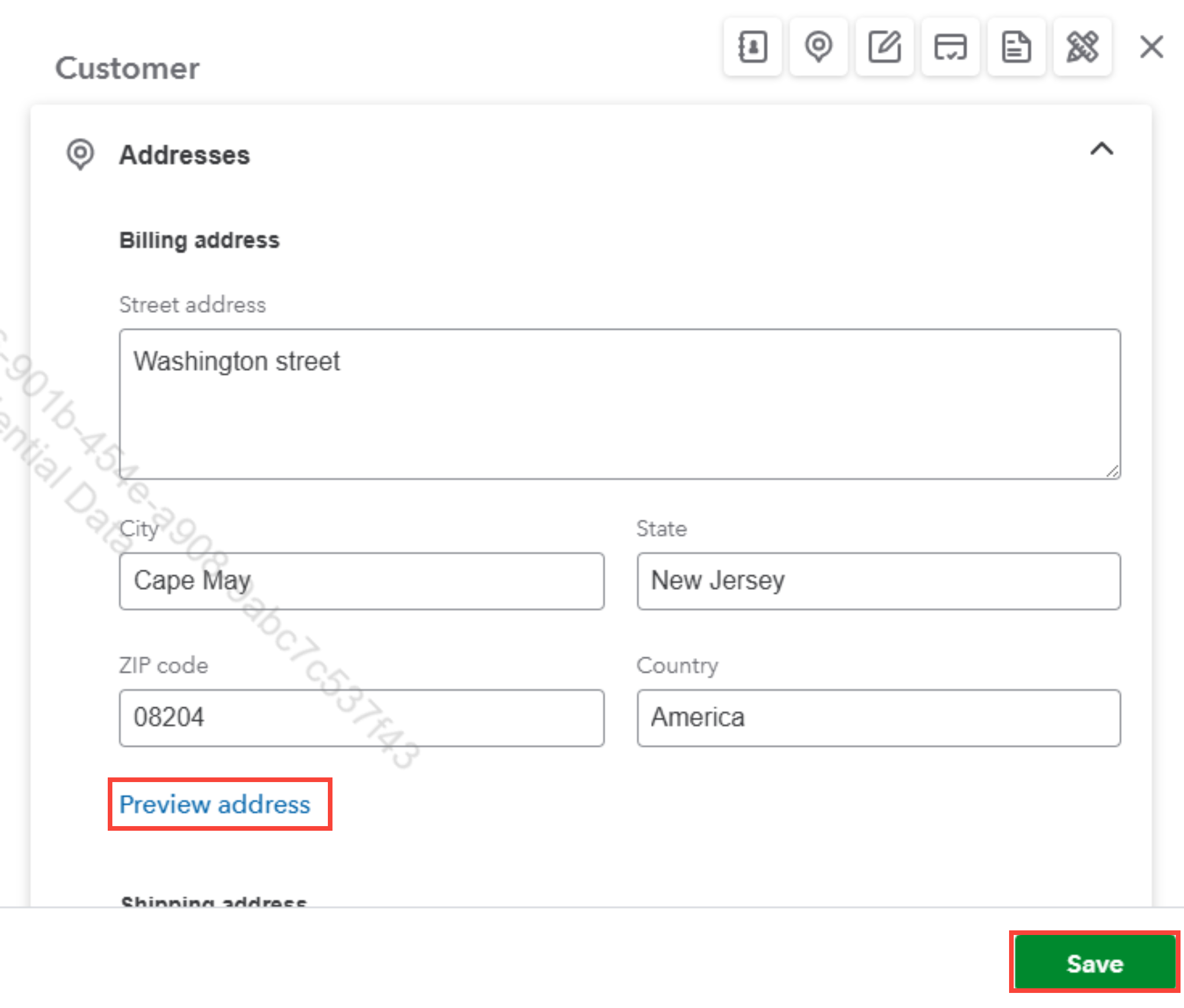
If you need further clarification or assistance, feel free to let us know.

