
- Mark as New
- Bookmark
- Subscribe
- Permalink
- Report Inappropriate Content
Customer Payment through Intuit missing from Quickbooks
A customer made a payment through Intuit Payment Solutions last month, and the payment is showing in our bank account, but is not showing up anywhere in QB desktop. It's not in undeposited funds. It's not deposited and posted to the customer account. I can view the transaction details of the payment, and it's funded. I can't reconcile because of this, and I need to give the customer a refund as they overpaid. Any help would be greatly appreciated!


- Mark as New
- Bookmark
- Subscribe
- Permalink
- Report Inappropriate Content
Payments
Hello AnnetteEagle,
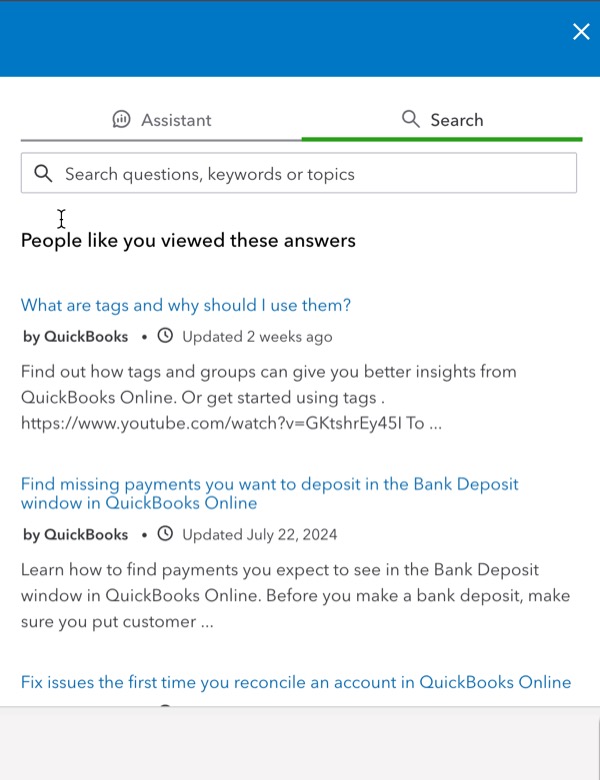
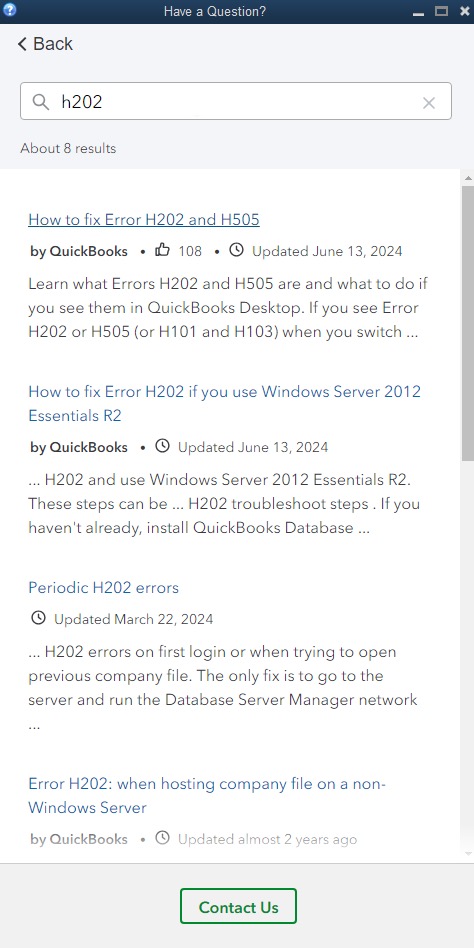
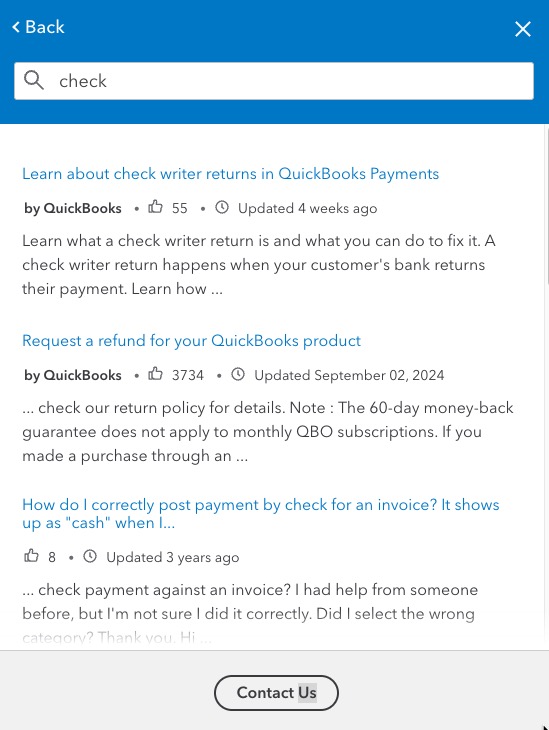
Welcome to the QuickBooks Community! For this particular situation, I recommend connecting with our Payments team to investigate the matter further especially since they will have access to this information. To connect with an expert select Contact Us in the Help panel and fill out the form. We’ll direct you to the right support team.
Please let me know if you have additional questions or concerns! I will be happy to help.

- Mark as New
- Bookmark
- Subscribe
- Permalink
- Report Inappropriate Content
Payments
I have the same problem. After a 3 hour chat and 2 hour phone call the "experts" were not able to help. Anyone know how to resolve this issue?

- Mark as New
- Bookmark
- Subscribe
- Permalink
- Report Inappropriate Content
Payments
@Mercusa I understand how frustrating it is when a payment doesn't sync correctly, especially after spending so much time trying to resolve it. I've brought this to the attention of our Next Level Help team, who will carefully review your Community comments and support history to get the full picture. You can expect to hear from that team soon with the next steps.
