Turn on suggestions
Auto-suggest helps you quickly narrow down your search results by suggesting possible matches as you type.
Showing results for
I need to process my cashbook manually ?
Hi there, Ingrid. Thank you for sharing the details of your situation. I’d be happy to assist with the challenges you're facing in connecting your bank and resolving the missing transactions in QuickBooks Online.
To get this sorted, I recommend reaching out to our QuickBooks Support Team. They can review your account and help identify why the connection issue is occurring.
Here's how:
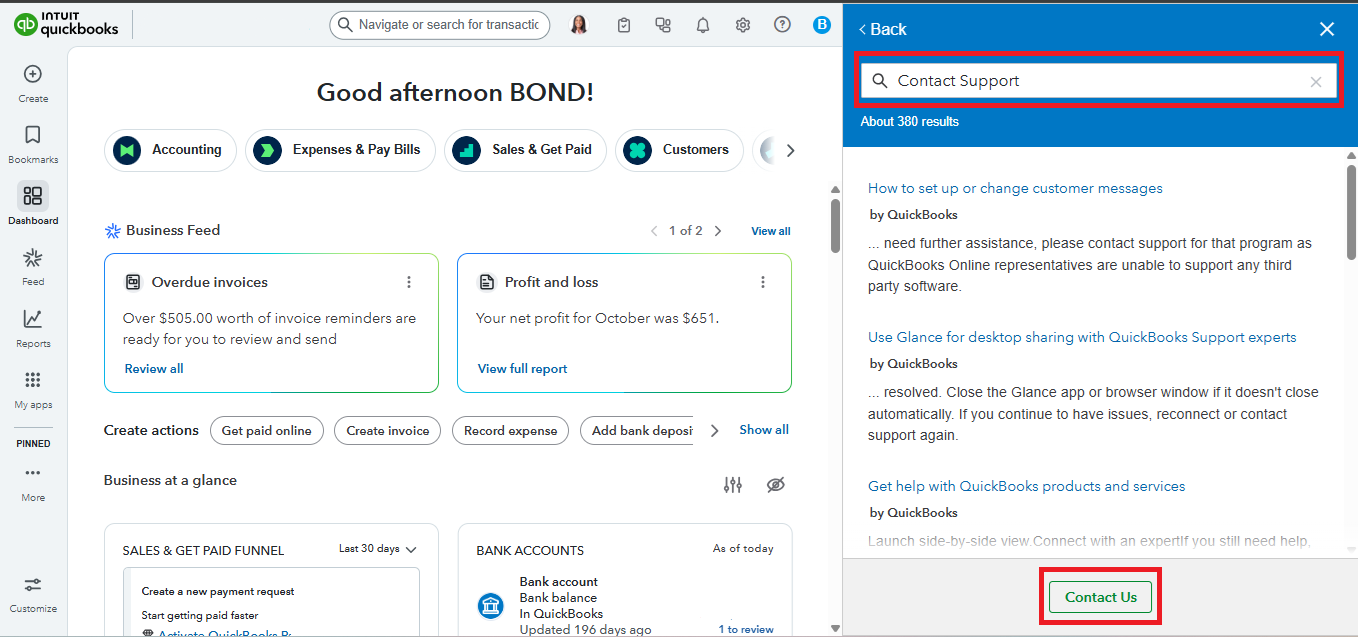
While you wait, you can manually upload the missing transactions to ensure your cashbook remains updated. Follow these steps to upload them into QuickBooks:
If you have more concerns related to QuickBooks, don't hesitate to reply. We're here to help.
You have clicked a link to a site outside of the QuickBooks or ProFile Communities. By clicking "Continue", you will leave the community and be taken to that site instead.
For more information visit our Security Center or to report suspicious websites you can contact us here


