Hello there,
You can still find the information you need since QuickBooks keeps a record of your activity.
While there isn't a "one-click" restore for deleted time entries, you can use the Audit Log to view the duration and details for accurate re-entry.
Here are the steps to find that deleted information and re-add it:
- First, click the Gear icon at the top right of your screen and select Audit Log under the Tools column.
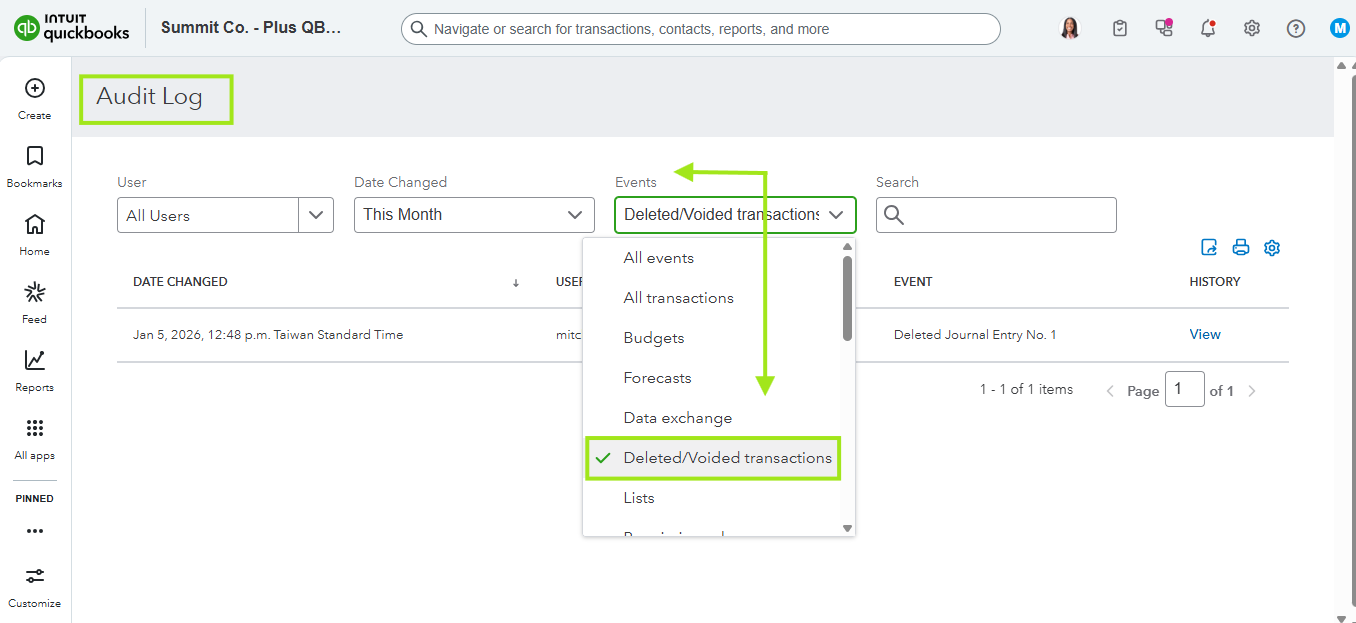
- Then, under the Events section, select the radio button for Deleted/Voided Transactions and click Apply.
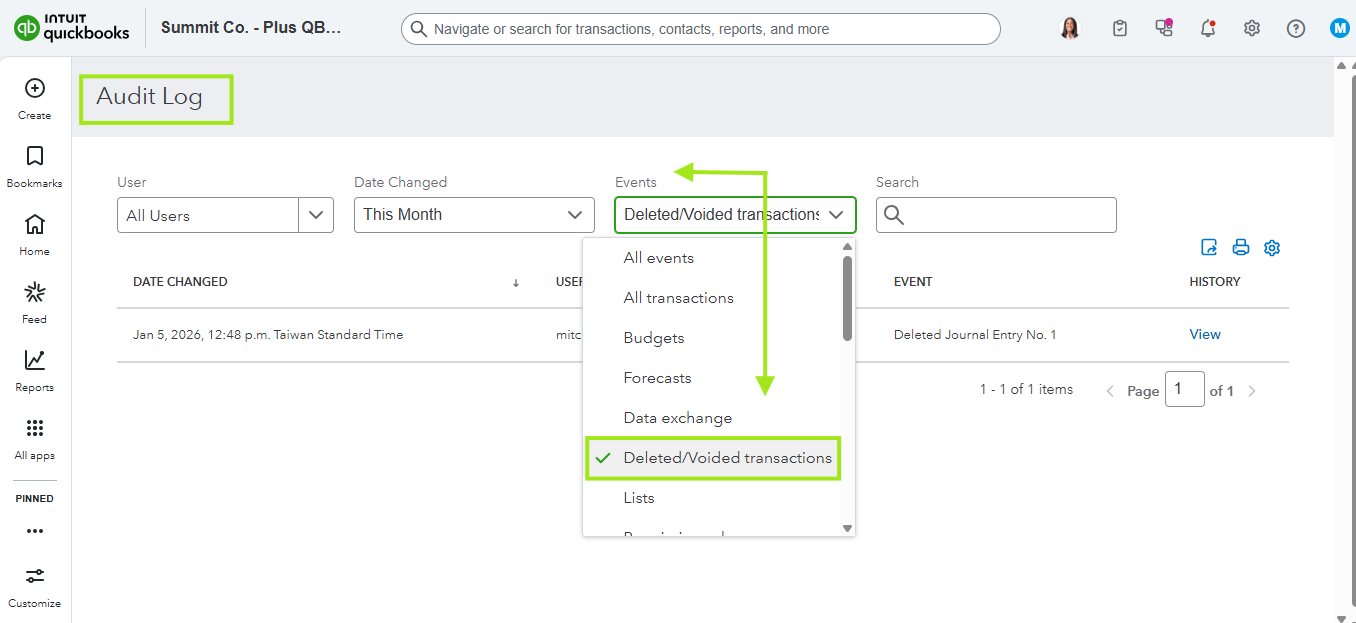
- After that, look through the list for the entry you deleted. Once you find it, click View in the History column on the right side.
- In the history details, you will see the exact duration, date, and any notes or customers associated with that entry.
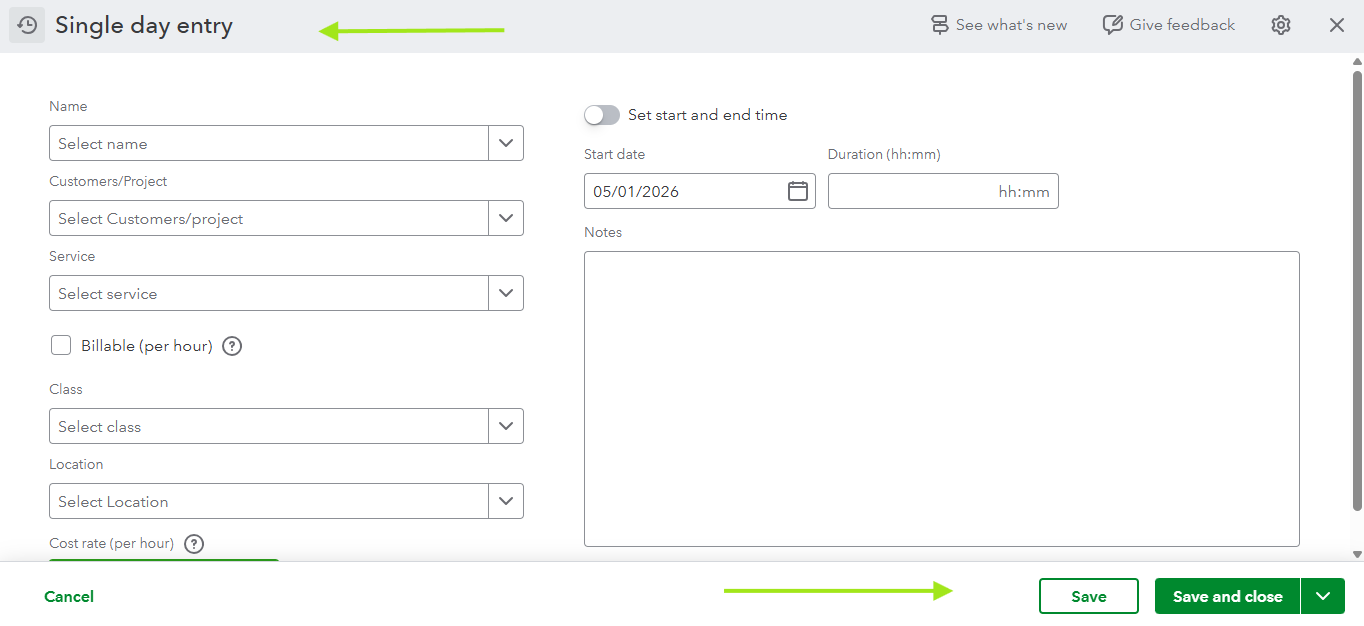
- Finally, click the + New button in the top left, select Single Time Activity, and use those details to re-enter your time.
If you need any additional assistance, please leave a comment below. We are always here to help.


